
Welcome to Album3D
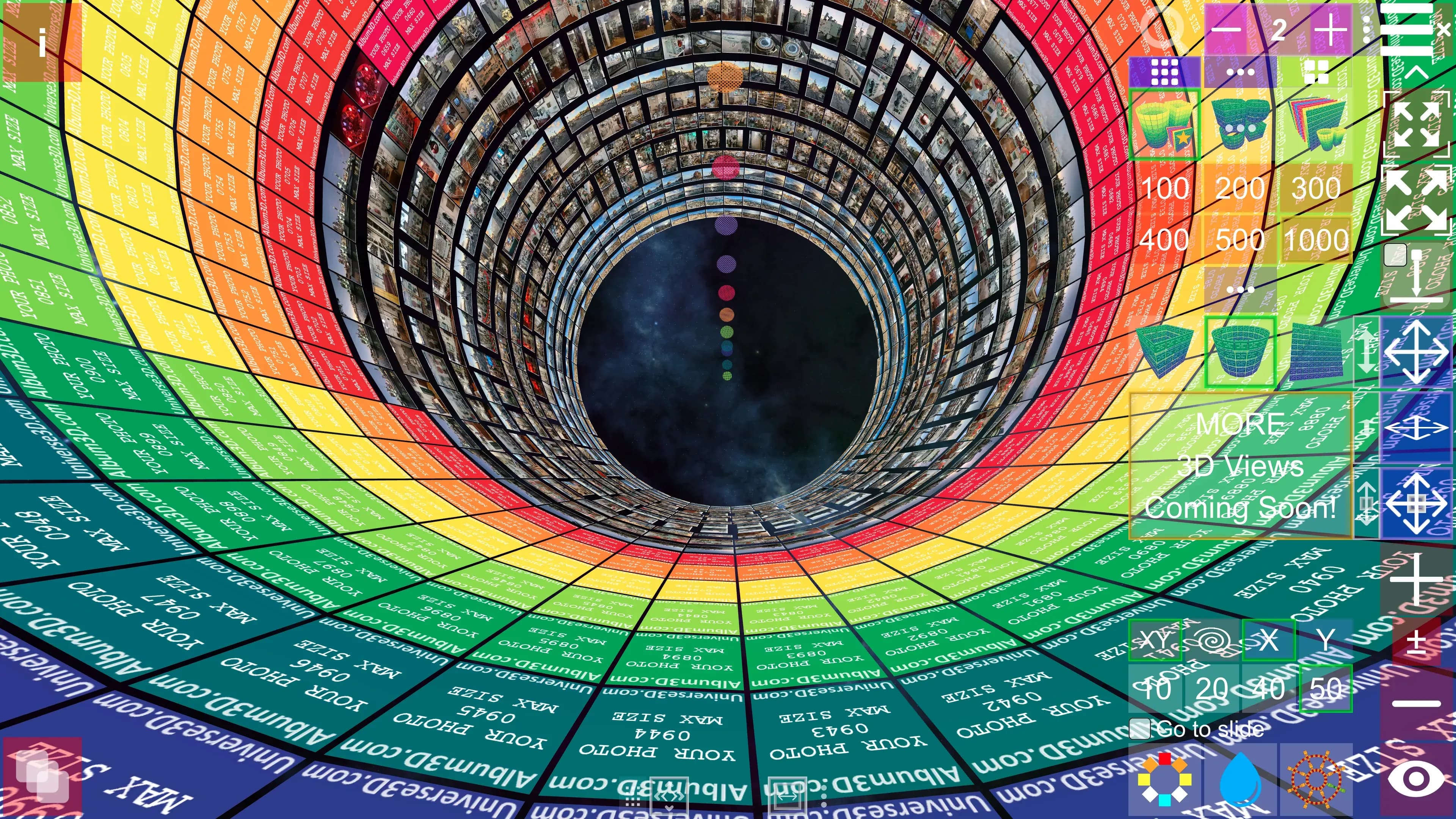
Album3D is an interactive 3D space where you explore your photos like a game. It's a revolutionary way to experience your photos in 3D. This documentation will guide you through all features and help you get the most out of Album3D™.
What is Album3D?
Album3D allows you to:
- View photos in stunning 3D environments - Experience your memories in immersive 3D spaces.
- Organize photos into albums – Create and manage multiple albums for different collections, each containing one or more image sets (groups of images based on your chosen set size).
- Customize your viewing experience - Adjust layouts, transitions, and visual effects.
- Share your projects - Package and share your 3D photo collections with others.
- Make viewing photos easy and fun: Explore your photo collections with the built‑in manual mode, slideshow, and demo fly‑throughs.
Getting Started
New to Album3D? Start here:
- Getting Started - Learn the basics and create your first project.
- Importing Images - Add your photos to Album3D.
- Navigation & Controls - Master keyboard shortcuts and controls.
Key Features
Project Management
Create, save, and organize your Album3D projects with support for both project files (.album3d-x) and shareable packages (.album3d, single-file bundles that include the project and its media).
Albums & Slides
Organize your photos into albums and arrange them as slides in 3D space. Copy, move, and customize each slide's position and appearance.
Viewing Modes
Manually explore your scenes, or experience your photos through slideshows with customizable transitions and automated demo flythroughs that showcase your collection.
Customization
Adjust UI scale, display settings, and quality options to match your preferences and system capabilities.
System Requirements
Album3D is available for:
- Windows - Windows 10 or later
- macOS - macOS 11 (Big Sur) or later
- In the future: Linux, Android, iOS, and web
Need Help?
- Browse the documentation using the sidebar navigation.
- Use the search function to find specific topics.
- Visit album3d.com/contact for support and bug reports.
Let's get started with Album3D!